• SYS-121C-TN2R
  • SYS-121C-TN2R
  • SYS-121C-TN2R
  • SYS-121C-TN2R
  • SYS-121C-TN2R

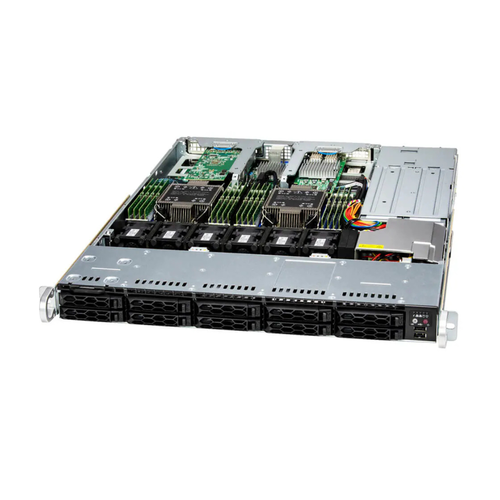
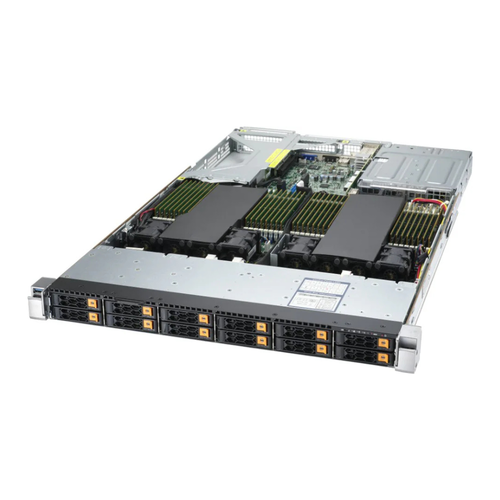
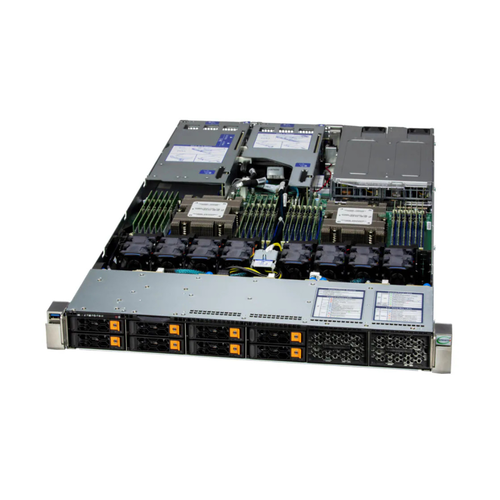
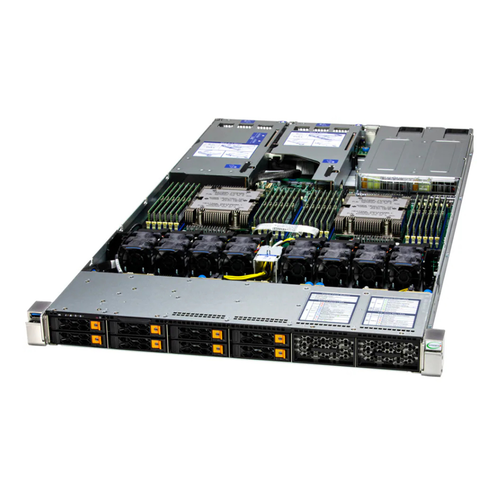
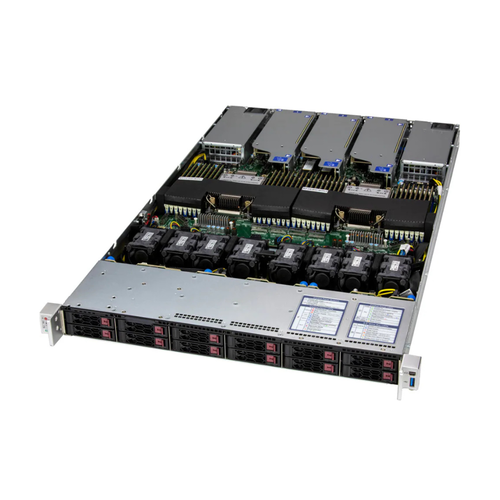
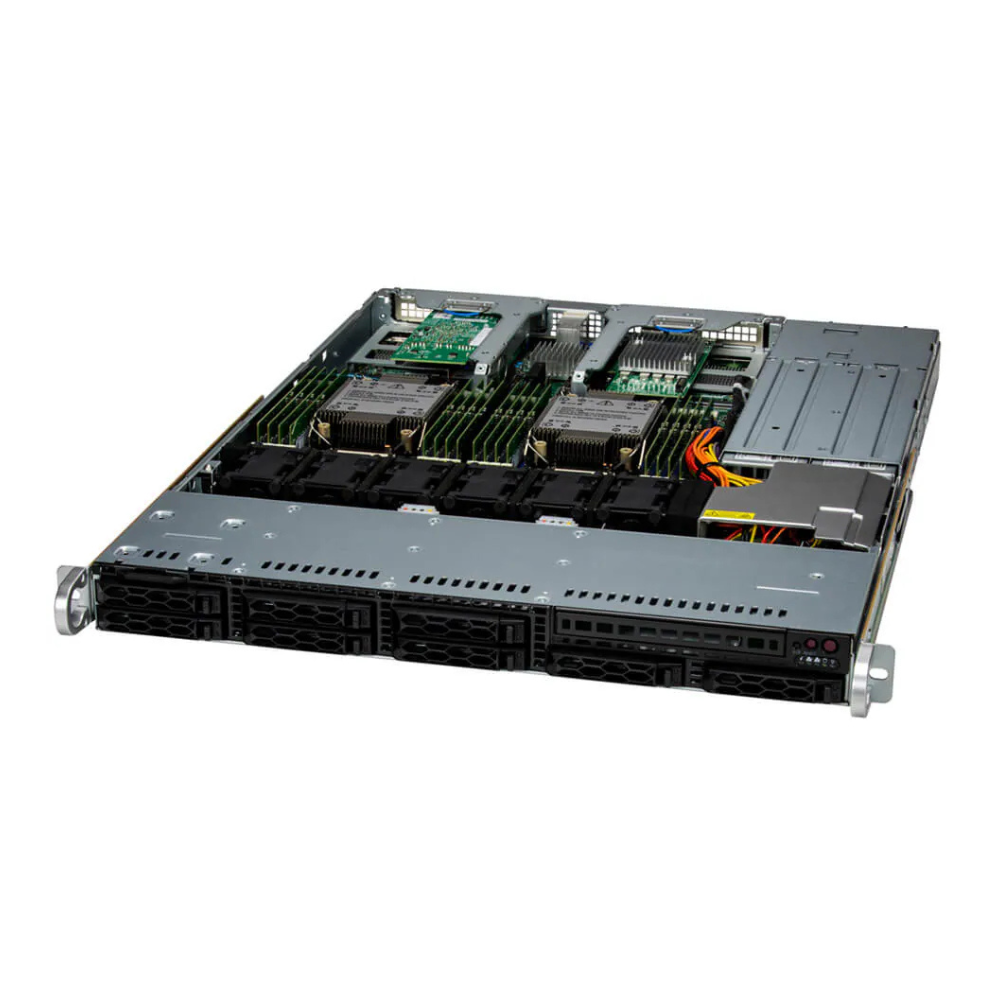
SYS-121C-TN2R

1U DP CloudDC with 8 hot-swap 2.5" SATA (2 NVMe hybrid) bays and 2 PCIe 5.0 x16 slots + 2 PCIe 5.0 x16 AIOM slots
型號 : SYS-121C-TN2R

Product SKUs
SuperServer SYS-121C-TN2R
Motherboard
Super X13DDW-A
Processor
CPU
Core Count
  • Up to 36C/72T; Up to 82.5MB Cache per CPU
Note
  • Supports up to 270W TDP CPUs (Air Cooled)*
  • *Air Cooled CPUs with TDP over 250W only supported under specific conditions. Contact a Supermicro representative for details.
GPU
Max GPU Count
  • Up to 2 single-width GPUs
Supported GPU
  • NVIDIA PCIe: L4, A2
  • Intel PCIe: Intel Data Center GPU Flex 140
  • View GPU Options
System Memory
Memory
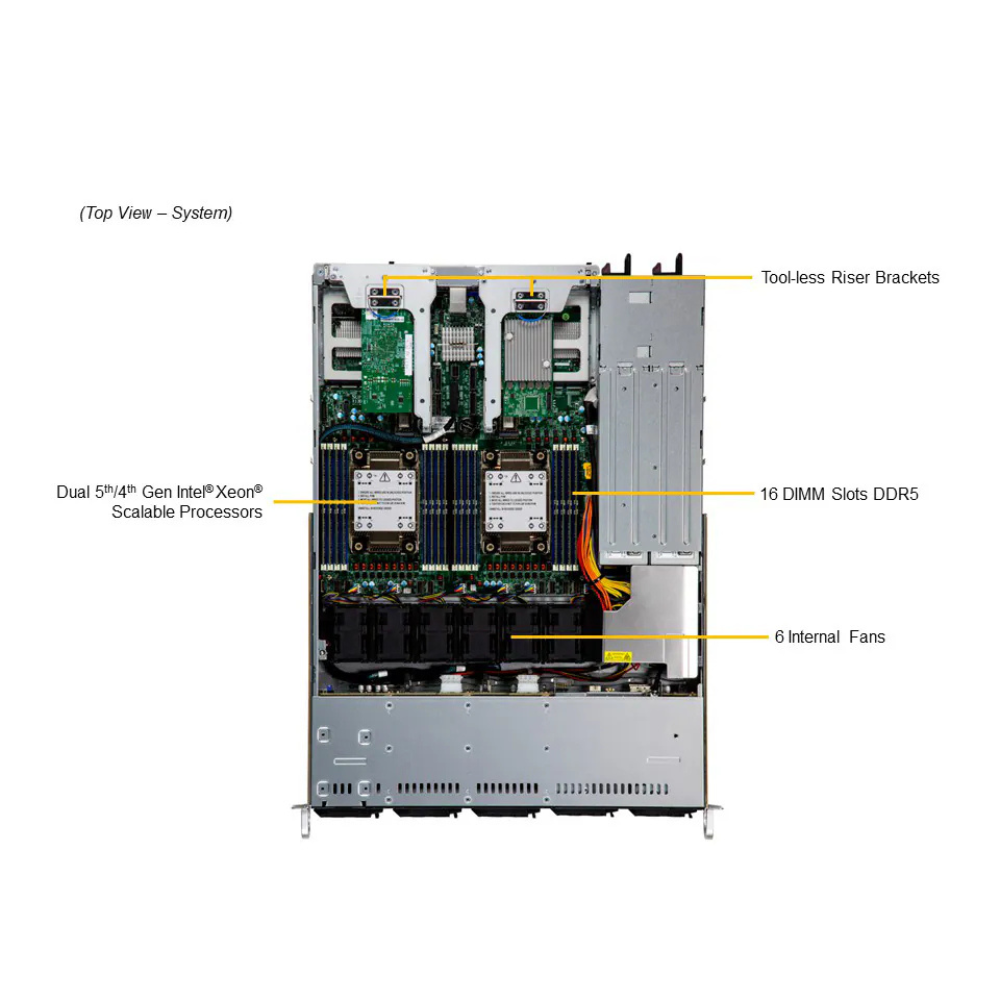
  • Slot Count: 16 DIMM slots
  • Max Memory (1DPC): Up to 4TB 5600MT/s ECC DDR5 RDIMM
  • View Memory Options
Memory Voltage
  • 1.1V
On-Board Devices
SATA
  • SATA (6Gbps) ; RAID 0/1/5/10 support
NVMe
Chipset
  • Intel® C741
Network Connectivity
Input / Output
LAN
  • 1 RJ45 1 GbE Dedicated BMC LAN port
USB
  • 2 USB 3.2 Gen1 Type-A ports(rear)
Video
  • 1 VGA port
Serial
  • 1 COM port(Rear)
TPM
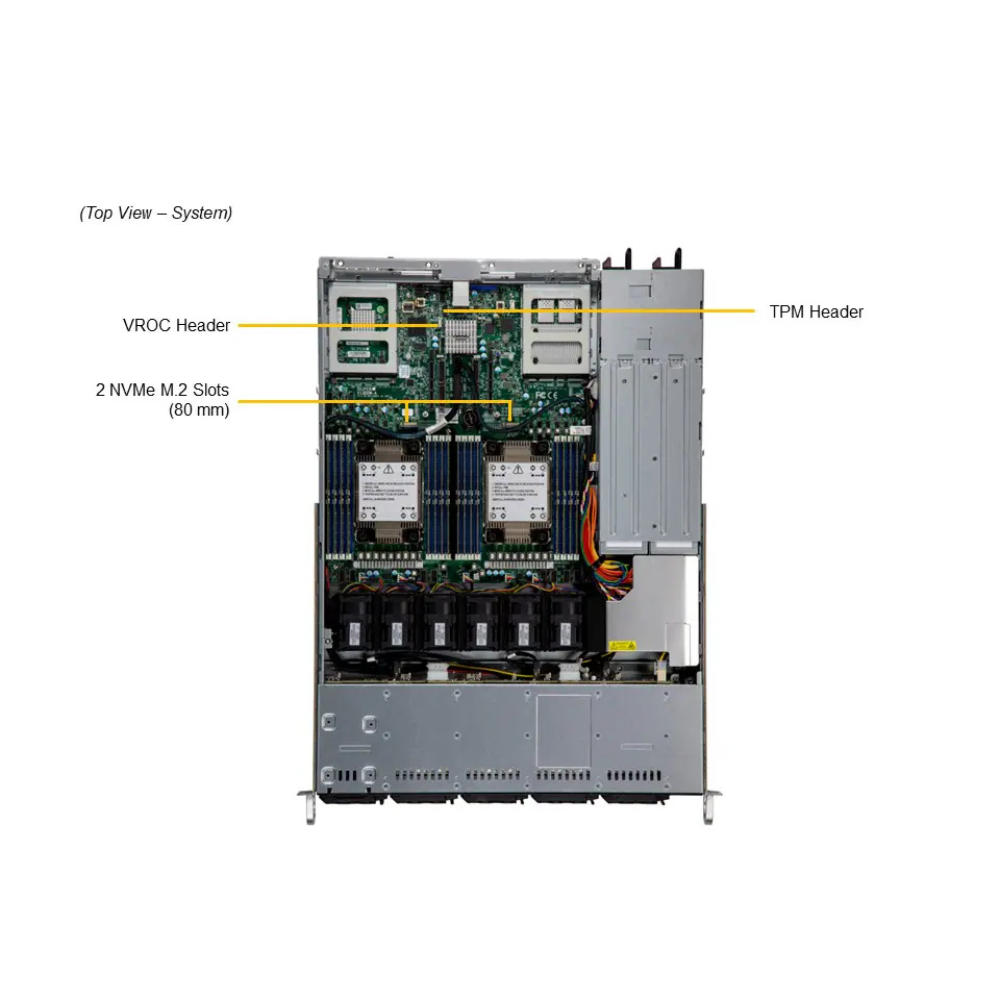
  • 1 TPM header
System BIOS
BIOS Type
  • AMI 32MB SPI FLASH ROM
Management
Software
Power configurations
  • ACPI/APM Power Management
Security
Hardware
  • Trusted Platform Module (TPM) 2.0
  • Silicon Root of Trust (RoT) – NIST 800-193 Compliant
Features
  • Cryptographically Signed Firmware
  • Secure Boot
  • Secure Firmware Updates
  • Automatic Firmware Recovery
  • Supply Chain Security: Remote Attestation
  • Runtime BMC Protections
  • System Lockdown
PC Health Monitoring
FAN
  • Fans with tachometer monitoring
  • Status monitor for speed control
  • Pulse Width Modulated (PWM) fan connectors
Temperature
  • Monitoring for CPU and chassis environment
  • Thermal Control for fan connectors
CPU
  • Monitors for CPU Cores, Chipset Voltages, Memory.
  • 8 Phase-switching voltage regulator
Chassis
Form Factor
  • 1U Rackmount
Model
  • CSE-LB13TS-R0AWNP2
Dimensions and Weight
Height
  • 1.7" (43 mm)
Width
  • 17.2" (437 mm)
Depth
  • 23.5" (597 mm)
Package
  • 7.8" (H) x 23.8" (W) x 32.4" (D)
Weight
  • Gross Weight: 40 lbs (18.1 kg)
  • Net Weight: 25 lbs (11.3 kg)
Available Color
  • Black front & silver body
Front Panel
LED
  • Drive activity
  • Network activity
  • Power status
  • Universal Information
Buttons
  • Power On/Off
  • Reset button
  • Unit Identifier (UID)
Expansion Slots
PCI-Express (PCIe) Configuration
  • Default
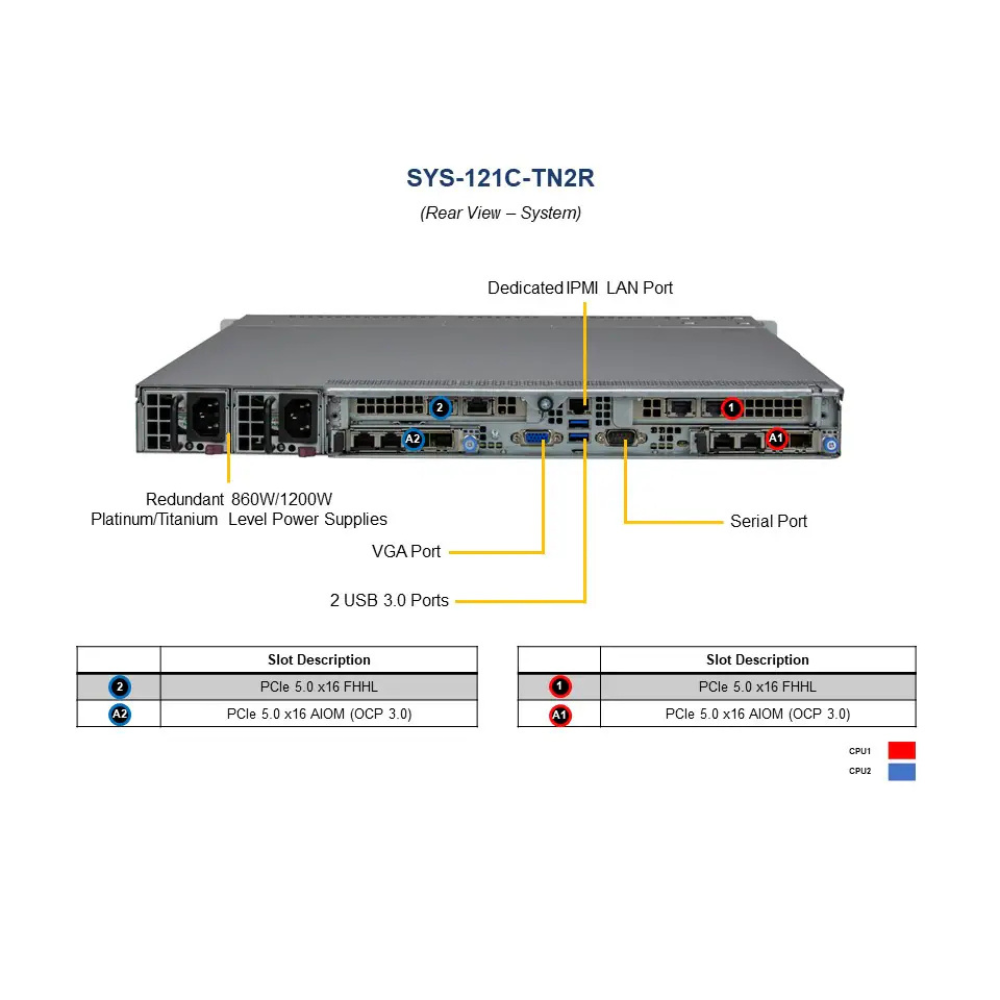
    • 2 PCIe 5.0 x16 FHHL slots
    • 2 PCIe 5.0 x16 AIOM slots (OCP 3.0 compatible)
  • View AOC Options
Drive Bays / Storage
Drive Bays Configuration
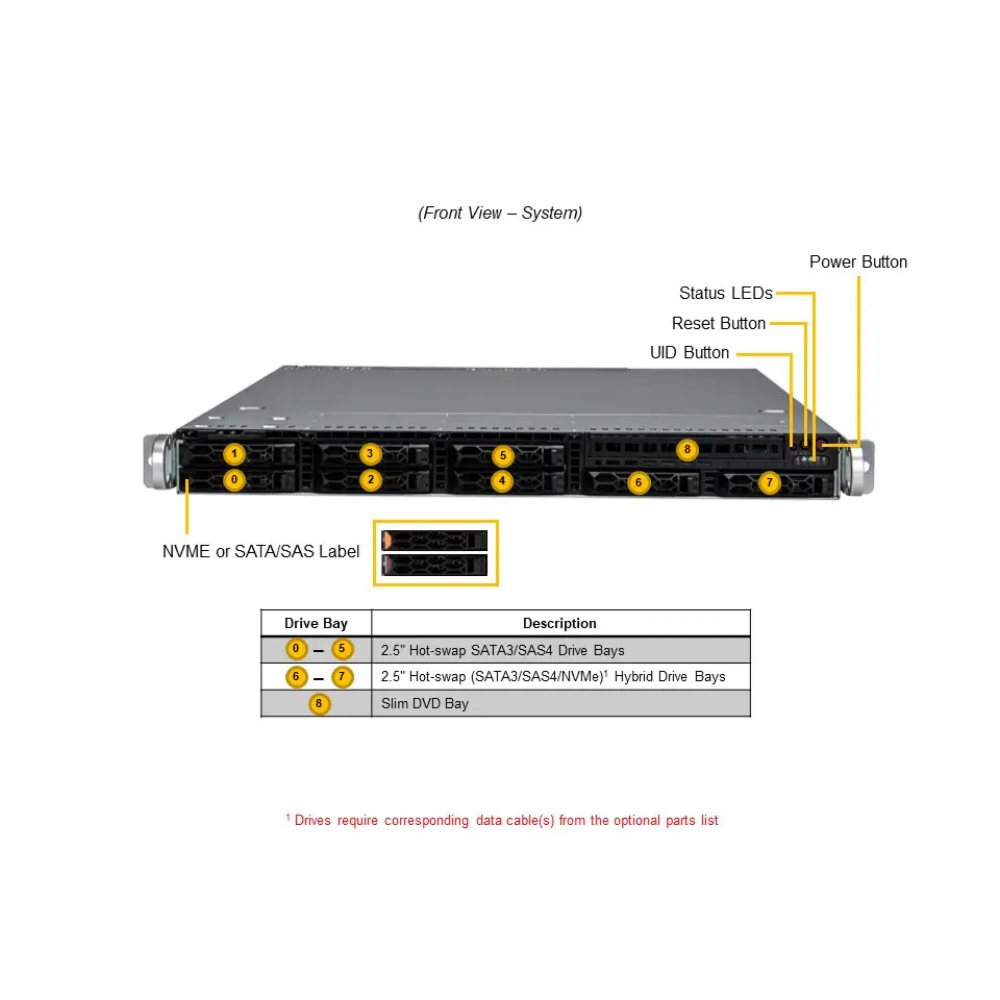
  • Default: Total 8 bays
    • 2 front hot-swap 2.5" NVMe*/SAS*/SATA* drive bays
    • 6 front hot-swap 2.5" SAS*/SATA* drive bays
  • (*NVMe/SAS/SATA support may require additional storage controller and/or cables)
  • View NVMe Options
  • View Drive Options
M.2
  • 2 M.2 PCIe 5.0 x4 NVMe slots (M-key 2280(default); VROC required for RAID)
  • View M.2 Options
Peripheral Bays
  • 1 slim DVD bay (optional)
System Cooling
Fans
  • Up to 6x 4cm heavy duty fans with optimal fan speed control
Air Shroud
  • 2 Air Shrouds
Power Supply
Operating Environment
ROHS
  • RoHS Compliant
Environmental Spec.
  • Name: A2
  • Operating Temperature: 10°C to 35°C (50°F to 95°F)
  • Non-operating Temperature: -30°C to 60°C (-40°F to 140°F)
  • Operating Relative Humidity: 8% to 80% (max 21° DP; non-condensing)
  • Non-operating Relative Humidity: 8% to 90% (max 38° DP; non-condensing)
  1. Dual sockets E (LGA-4677) 5th and 4th Gen Intel®  Xeon® Scalable processors
  2. 16 DIMMs up to 4TB 3DS ECC DDR5-5600: RDIMM
  3. 2 PCIe 5.0 x16 FHHL;
    2 PCIe 5.0 x4 NVMe M.2
  4. Dual AIOM (OCP 3.0) slots with NCSI for networking, 1 dedicated IPMI LAN
  5. 8x 2.5" hot-swap SATA/SAS4 w/ 2x hybrid NVME drive bays
  6. 1 VGA, 1 COM, 2 USB 3.0 (rear)

相關產品

SYS-121H-TNR

SYS-121H-TNR

AS-1126HS-TN

AS-1126HS-TN

AS -1024US-TNR

AS -1024US-TNR

AS-1124US-TNRP

AS-1124US-TNRP

AS-1124US-TNR

AS-1124US-TNR

AS-1125HS-TNR

AS-1125HS-TNR

line

透過行動條碼加入LINE好友

請在LINE應用程式上開啟「好友」分頁,點選畫面右上方用來加入好友的圖示,接著點選「行動條碼」,然後掃描此行動條碼。